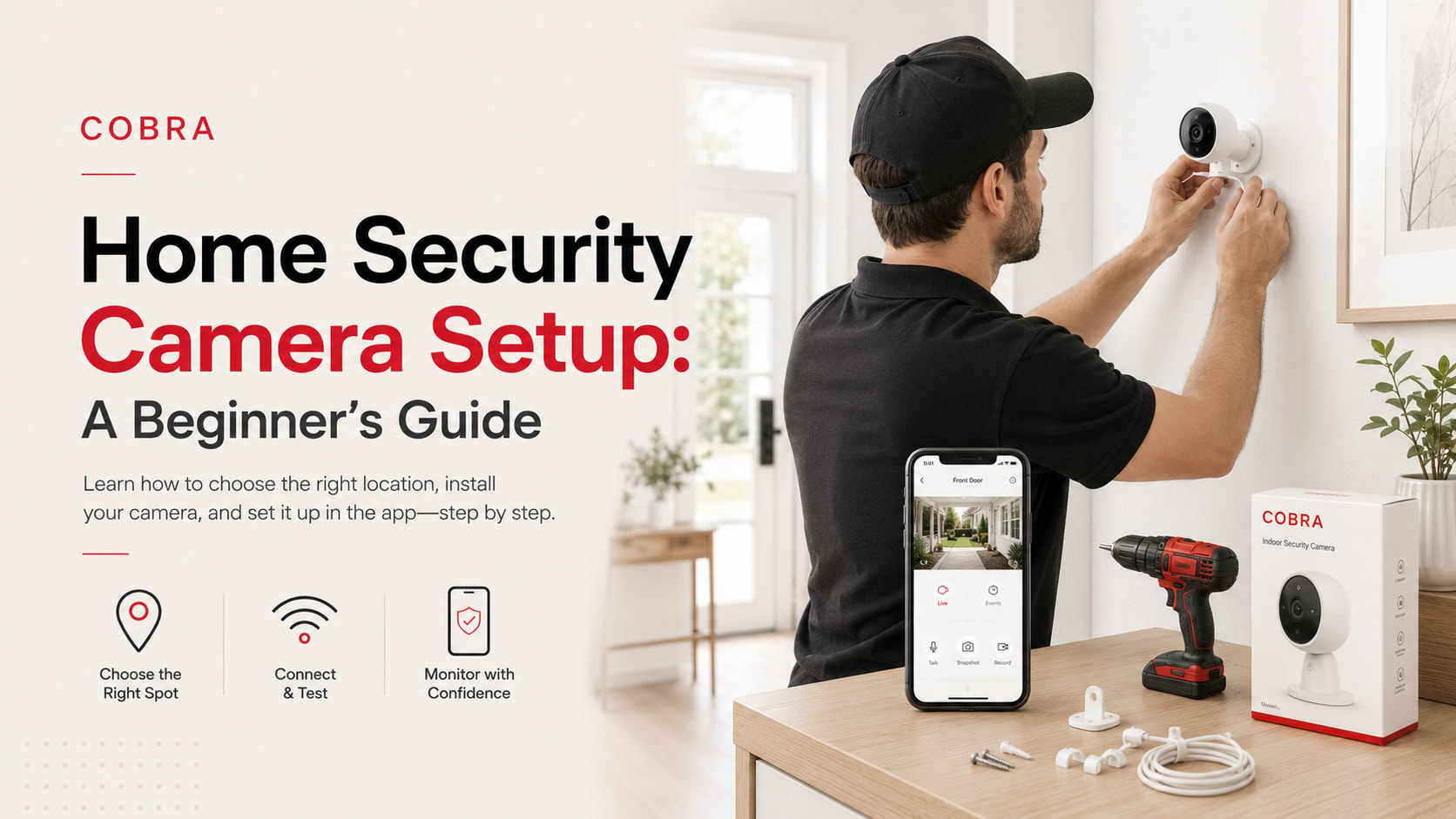
Start with Your Security Goals
Before buying a single camera, define what you need to protect and why. Are you deterring trespassers, documenting incidents, or meeting insurance or HOA requirements? For each property or facility, list your priorities—entry points, common areas, parking lots, or blind spots. This will shape your system’s scope, placement, and monitoring needs.
Assess Your Property: What Needs Coverage?
Map all access points: doors, gates, loading docks, hallways, and garages.
Identify high-risk areas: mailrooms, bike storage, playgrounds, pools, or shared amenities.
Consider visibility: Avoid privacy violations (e.g., inside bathrooms, neighbor’s yards).
Review lighting: Cameras need adequate lighting for clear footage at night.
For HOAs and multi-family properties, review your governing documents and local regulations. Some communities require board approval or notice to residents before installing cameras. If you’re managing a school or commercial site, check state privacy laws and consult with your legal team.
Choose the Right Camera Types
Security cameras fall into a few main categories:
Wired cameras: Reliable, but require professional installation and cabling.
Wireless cameras: Easier to install, but depend on Wi-Fi and power supply.
IP cameras: Networked, scalable, and good for larger properties.
Doorbell/intercom cameras: Ideal for entryways and visitor management.
Look for weather-resistant models for outdoor use, vandal-resistant housings for public areas, and features like night vision, motion detection, and remote access. For properties with multiple buildings or large areas, networked systems offer centralized monitoring and easier scaling. If you’re not sure which type fits your property, consult a security company in NJ with experience across residential and commercial sites.
Plan Camera Placement: Practical Checklist
AreaRecommended Camera TypeKey ConsiderationsMain Entrances/ExitsWired or IP, DoorbellFace camera toward approach, avoid glareParking Lots/GaragesIP, Vandal-resistantWide angle, night vision, weatherproofCommon AreasIP, DomeHigh placement, privacy compliancePerimeter FencingBullet, WirelessLong-range, motion alertsService EntrancesWired, IPMonitor deliveries, restrict access
Don’t forget signage—clearly posted notices can deter incidents and support compliance. For a more detailed inspection and maintenance approach, see this Home Maintenance Checklist.
Installation: DIY vs. Professional
While small single-family homes may get by with DIY kits, most HOAs, schools, and commercial properties benefit from professional installation. Licensed providers will:
Run power and data cables safely and discreetly
Mount cameras securely to prevent tampering
Integrate cameras with existing security or access control systems
Configure remote viewing, alerts, and recording retention
Improper installation risks equipment failure, blind spots, or non-compliance. For multi-property managers, a single provider can standardize installation and monitoring, making operations more efficient. If you’re unsure whether you need a handyman or a specialist, this comparison of Handyman vs. General Contractor can help clarify roles.
Set Up Monitoring and Data Management
Decide who will monitor live feeds and review footage. Options include onsite staff, remote monitoring services, or a hybrid approach. Set clear policies for:
Who can access footage and under what circumstances
How long footage is retained (check local data privacy laws)
Incident response and reporting protocols
For communities and schools, transparency and documentation are key—keep residents or stakeholders informed about camera locations, policies, and how footage is used.
Preventive Maintenance: Don’t Set and Forget
Cameras are only effective if they’re working. Build a maintenance schedule:
Monthly: Check camera angles, clean lenses, test connections
Quarterly: Review footage quality, update firmware, test alerts
Annually: Audit coverage, replace aging equipment, review policies
Proactive upkeep reduces liability and ensures evidence is available when needed. For a broader approach to property care, see property maintenance services that include security system checks as part of routine operations.
Vendor Accountability and Compliance
Managing multiple contractors can lead to finger-pointing and missed details. An all-in-one provider like Cobra Solutions uses a four-step process: Assess → Plan → Execute → Monitor. This means one accountable team scopes your needs, installs and maintains your system, and provides ongoing support—no gaps, no blame-shifting. All work is performed by licensed and insured professionals, with documentation for compliance and insurance audits.
If you manage several properties, Cobra’s operations scale—streamlining security across your entire portfolio. For commercial settings, see how Commercial Security Services can integrate cameras with access control and patrols.
Budgeting and Planning
Costs for security camera systems depend on property size, number of cameras, and integration needs. Avoid underestimating installation and ongoing maintenance—both are essential for long-term reliability. The most effective budgeting process:
Assess property needs and compliance requirements
Request a detailed scope and quote from a licensed provider
Include preventive maintenance in annual budgets
Review and update as your property evolves
For a full-service approach that goes beyond cameras, consider a property services company that can handle security, maintenance, and more under one agreement.
Frequently Asked Questions
What areas should always be covered by security cameras?
Cover all main entrances and exits, parking areas, high-traffic common spaces, and any locations with a history of incidents. Avoid private areas where cameras could violate privacy laws.
How do I ensure my camera setup is compliant with regulations?
Check local laws and HOA bylaws regarding camera placement, signage, and data retention. Work with a security services in nj provider that understands compliance requirements for your property type.
How often should I maintain or inspect security cameras?
Perform basic checks monthly and schedule professional inspections at least annually. Include camera checks in your regular property maintenance plan.
Can security cameras be integrated with other systems?
Yes. Modern systems integrate with access control, alarms, and remote monitoring. This is especially useful for larger properties or those with multiple sites.
Is it better to use multiple vendors or a single provider for security and maintenance?
Using a single, accountable provider reduces coordination headaches, ensures consistent quality, and simplifies compliance. Cobra Solutions offers bundled services through one point of contact.
Take the Next Step
A reliable security camera setup reduces risk, supports compliance, and simplifies operations—if it’s planned and managed correctly. If you’re ready to upgrade or standardize security across your properties, schedule a consultation or request a quote from Cobra Solutions. Our licensed team follows a proven process to assess, plan, execute, and monitor your system—so you can focus on running your property, not chasing vendors.